
Team AdminOrg Admin
Adding a member
- In the team list on the left hand side, select the team to which you want to add a member.
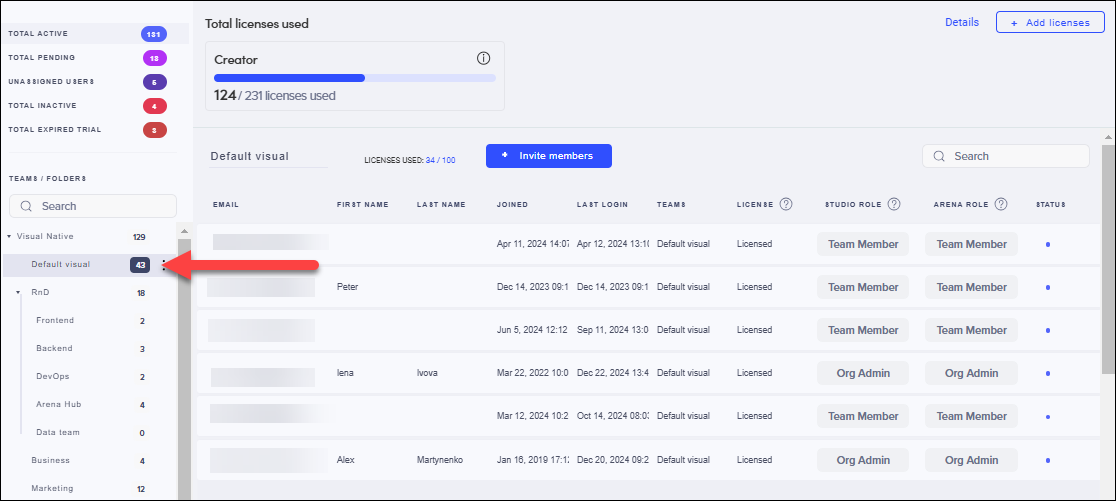
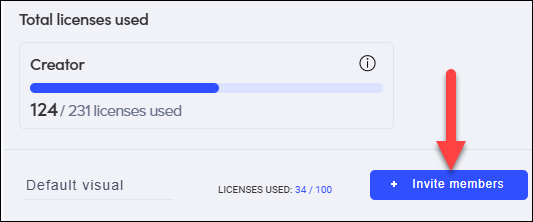
- Click Invite members.
- Enter the email address of the member that you want to invite and make sure that the correct role is selected.
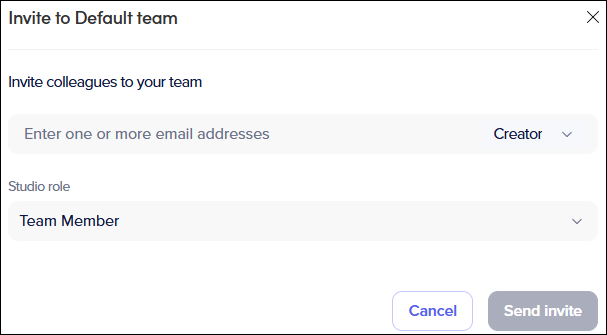
- Click Send Invite.
► An invitation is sent to the member.
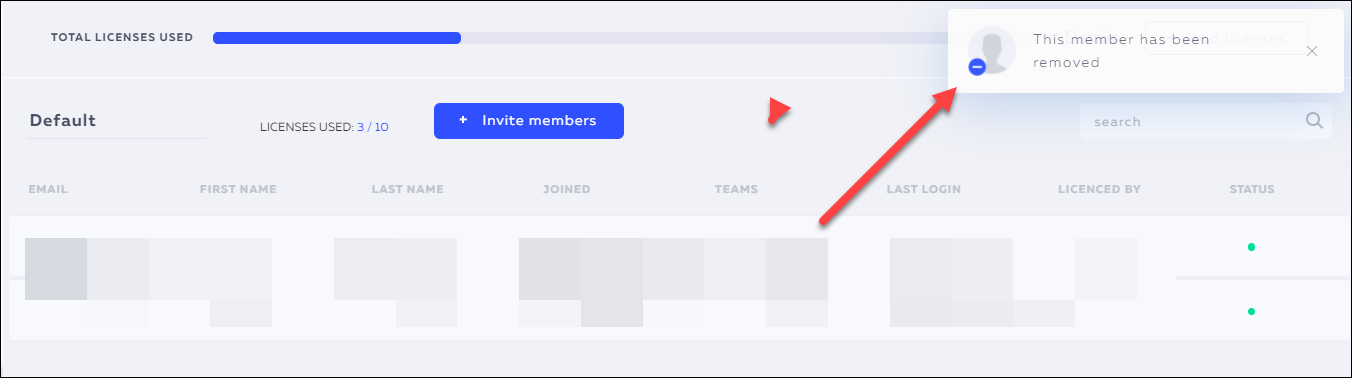
Removing a member
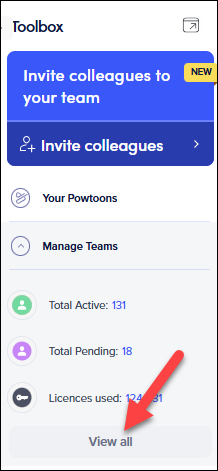
- Go to the Powtoon Workspace.
- In your Toolbox, click Manage Teams and then View all.
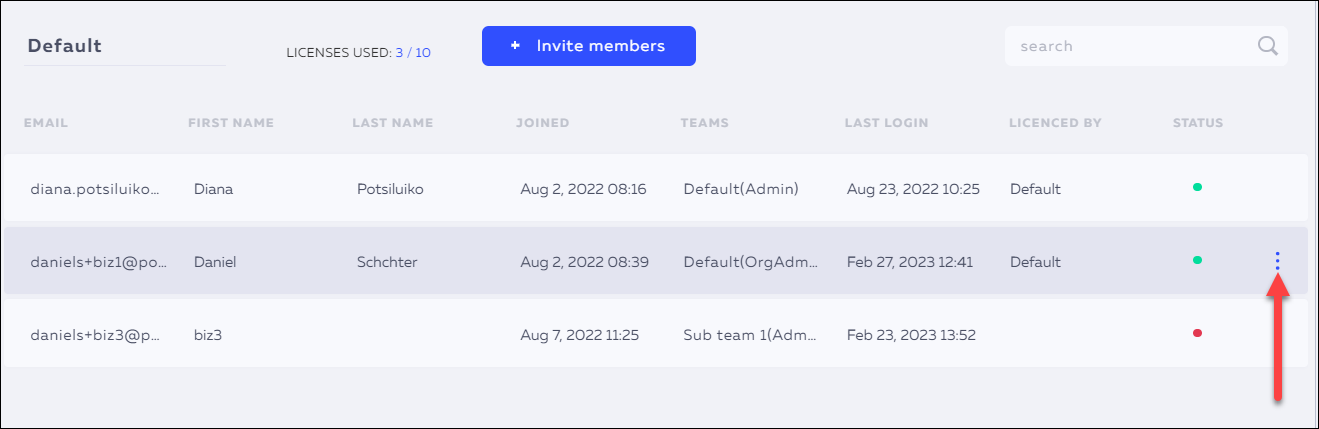
- The Team Admin page is displayed. In the relevant team, select the member that you want to remove by clicking the row, and click the three dots.
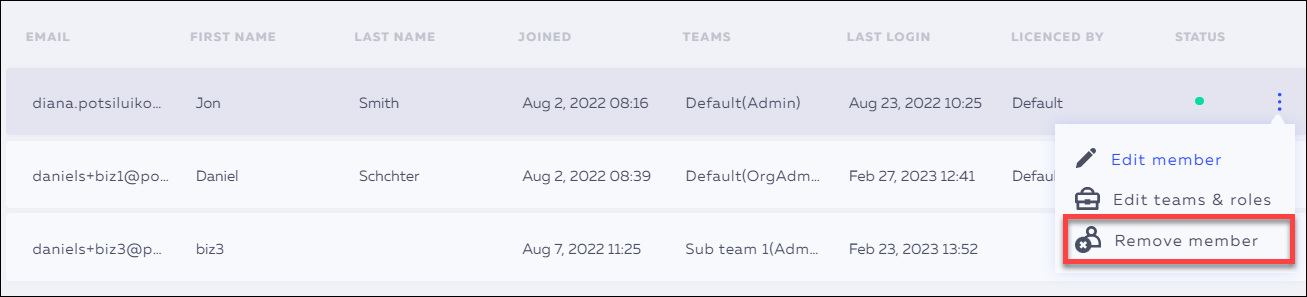
- Select Remove member.
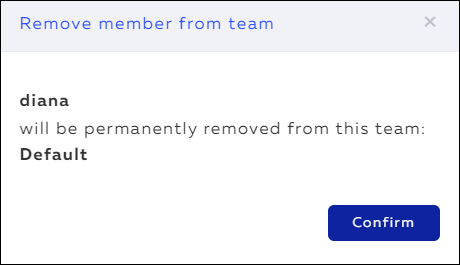
- Click Confirm if you are sure that you want to remove the member.
► If the member shared Powtoons or media, you'll be prompted to transfer ownership of the
Powtoons and the media before the member can be removed.
Notes:
1. If you have invited a team member that already belongs to another team, the member is added automatically to the new team and the license status is not affected. 2. If you are adding someone completely new to the organization, they will need to accept the invitation before they are added to the team.